Eclipse Local AI
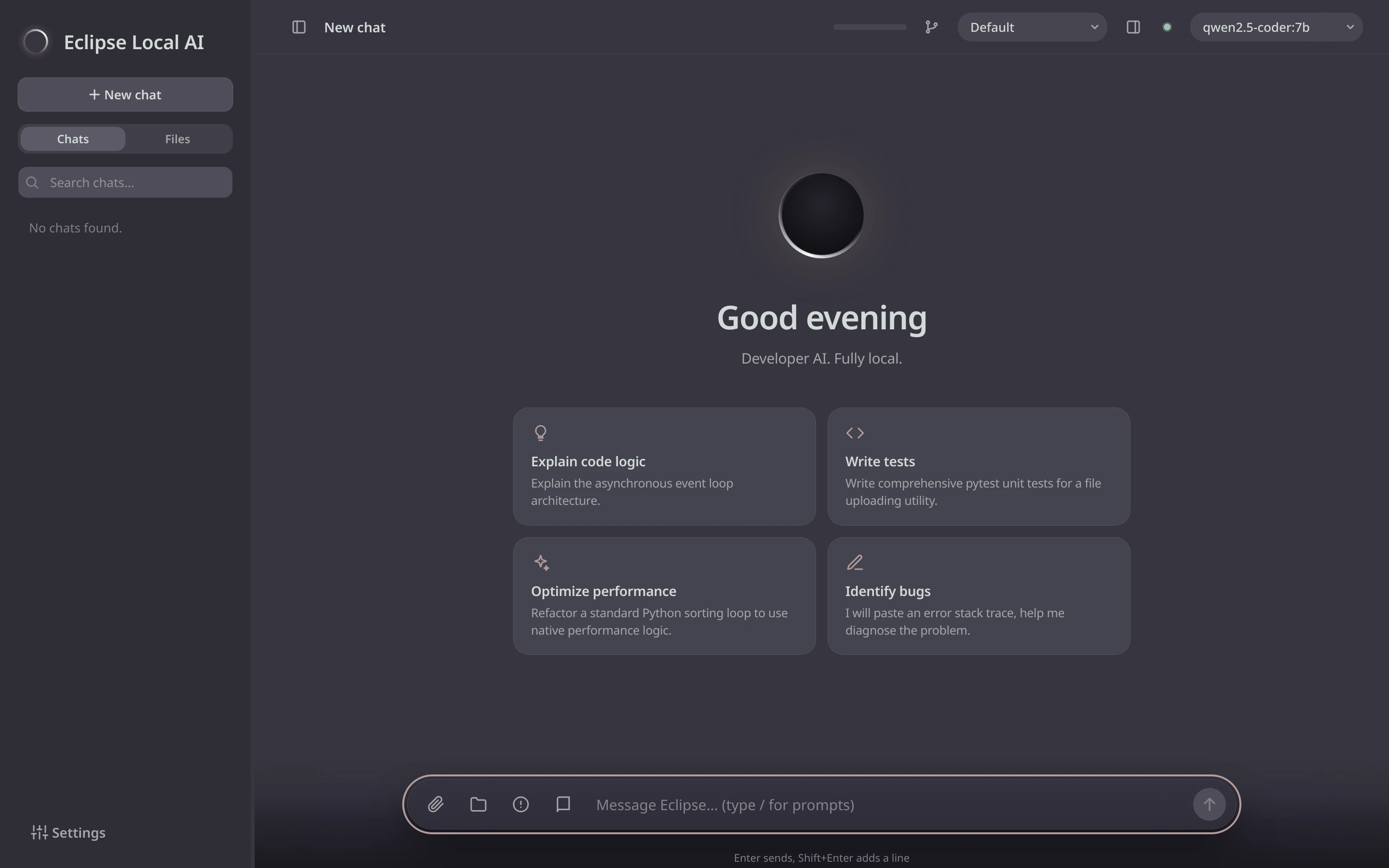
A developer AI chat that runs on your own computer. Your code, your files and your chats never leave it.
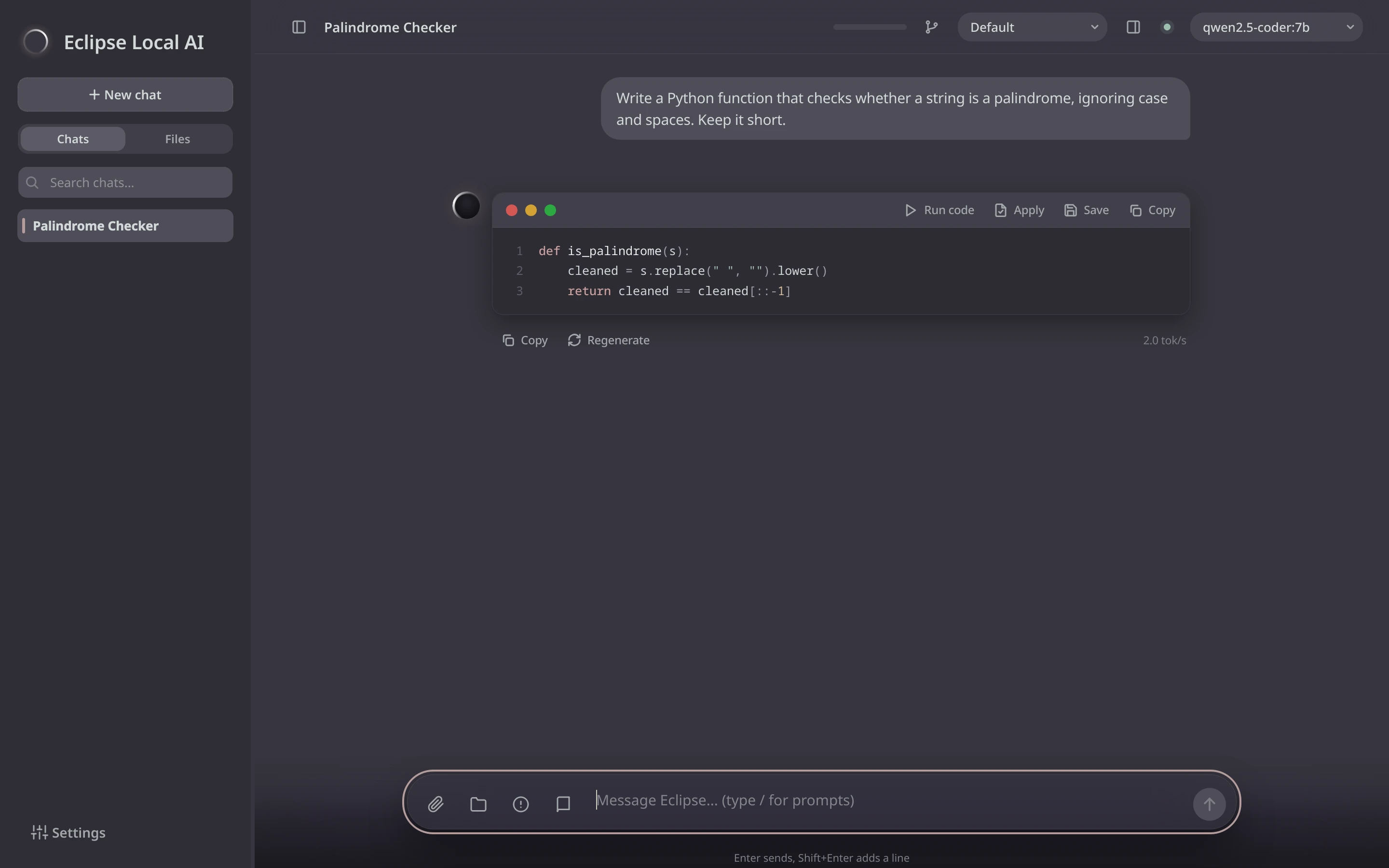
Write a Python function that checks whether a string is a palindrome, ignoring case and spaces.
def is_palindrome(text: str) -> bool:
    """True if text reads the same both ways, ignoring case and spaces."""
    cleaned = "".join(ch.lower() for ch in text if not ch.isspace())
    return cleaned == cleaned[::-1]


print(is_palindrome("Never odd or even")) # TrueTrueWritten on this computer. Nothing was sent anywhere.
What it does
Runs where your code is
The AI model runs on your computer through Ollama. No account, no cloud, no internet needed once it's set up.
Knows your project
Open a project folder or attach files, and ask about them. A file explorer sits next to your chats.
Changes you approve
When the AI suggests a change to a file, you see it as a diff first. Nothing is written until you accept it.
Run code
Try Python and shell code from an answer in one click. It runs on your computer with your permissions, for up to five seconds, so read it first.
Your own documents
Point it at your notes or docs and it searches them offline to answer with what's in them.
Keep and share chats
Branch a conversation to try another idea, and export any chat as HTML, PDF or Markdown.
A closer look
Get Eclipse Local AI
One download for every system. The first start installs Ollama, the AI model that fits your computer and the app's Python packages, so it takes a while. After that it opens straight away.
Windows
Download for Windows- Install Python 3 and tick Add python.exe to PATH.
- Unzip the download and double-click
Start-Windows.bat. If Windows says it protected your PC: More info, then Run anyway.
macOS
Download for Mac- Install Python 3.
- Unzip it, right-click
Start-Mac.commandand choose Open the first time.
Linux
Download for Linux- Unzip it and open a terminal in the folder.
- Run
./start.sh. It asks for your password once, to install Ollama.
- Under 32 GB of memory: it uses qwen2.5-coder:7b, about a 5 GB download.
- 32 GB or more: it uses qwen3-coder:30b, about 19 GB, with better answers.
- Any other model from Ollama can be picked later in Settings.